MarioDelgadoSrSep 9
require() → import converterhttps://observablehq.com/@ambassadors/require-import-converter
If you’re migrating old notebooks to Observable 2.0, you’ve probably hit this: require("some-package@1.2.3") just doesn’t work anymore, and figuring out the right import URL by hand is more annoying than it should be — especially for older packages that never published real ESM, or require() calls that point at a specific file inside a package (require("three@0.104.0/build/three.min.js")).
This notebook is a small tool (built with Observable AI) that does the migration for you: paste in your old require(...) line(s), and it resolves an exact version, actually tries real dynamic imports against jsDelivr/esm.sh/Skypack (falling back to a legacy global-script pattern if nothing else works), and hands back verified, paste-ready import statements — with a one-click copy button. It also handles a few real-world edge cases that came up while I built it: multi-package require("a", "b") merges, subpaths, and malformed/unparseable calls (reported clearly instead of silently vanishing).
1 post - 1 participant
Read full topic
galopinSep 9
Issues arising from the migration to Observable 2.0Howdy,
I had a vague sense that Observable was working on a new notebook format, but now that the automatic migration process has begun, I realize it’s time to embrace the change and get up to speed.
I should now bring to your attention all the problems and pitfalls I’ve encountered.
Some of my 1.0 notebooks rely on named HTML and Markdown cells for lightweight metaprogramming, allowing me to leverage built-in syntax highlighting and reference cell values, as in:
(boilerplate [md]=)
<script defer src="data:,">
onmessage = async (e) => {
let $_ = await ({{this}}).apply(null, e.data);
if (Symbol.iterator in Object($_) && Object.prototype.toString.call($_) !== '[object String]') {
$_ = [...$_];
}
postMessage($_);
}
</script>
or
(root [md]=)
<script defer src="data:,">
:root {
--width: ${boxWidth}px;
--slope-angle: ${alpha};
--slope-angle-modulus: max(var(--slope-angle), -1 * var(--slope-angle));
--compute-tan-of-angle: ${expand('var(--slope-angle-modulus)').replace(/((var\(--slope-angle)-modulus\)) \* \1/g, "$2) * $2)")};
--magic-number: (var(--compute-tan-of-angle)) / 2;
--slope-padding: var(--magic-number) * var(--width);
}
@supports (opacity: cos(0)) {
:root {
--compute-tan-of-angle: tan(var(--slope-angle-modulus));
}
}
</script>
While this was permitted in the Observable 1.0 format, it appears that this functionality is no longer supported in the 2.0 release.
Here’s yet another example:
RuntimeError: megaphone is not defined
${[
Object.assign($(megaphone), {
style: "position: absolute;"
}),
md`> It was suggested to stop the corrections to UTC and publish the increasing difference between UTC and UT1. The relatively small community that needs UT1 could then use the published values as correction.`
]}
(megaphone [html]=)
<span aria-hidden="true">📣</span> `
Would you consider reintroducing the ability to name these cell types? At the very least, would it be possible to maintain support for pre-2.0 notebooks when they are rendered in the new format?
Now when a cell doesn’t display anything, and the cell isn’t pinned (or focused), we show a small gray <empty> instead of showing the cell’s source code.
It seems like <style>:only-child HTML cells used to be pinned by default, which felt a bit unnecessary since most people aren‘t CSS experts. Now, the behavior has shifted and the cells don‘t render at all, meaning you can‘t even click into them to edit. That‘s a bit of a bummer. Could we go back to how it worked in Observable 1.0?
import { runAsWorker } from "@galopin/work-work"
The above cell yields <empty>!?
Therefore you cannot see at a glance what’s being imported and from which notebook until you toggle the edit mode. You cannot even go to the imported notebook. IMHO, you should restore the Observable 1.0 functionality with full working hyperlinks.
viewof pass = Inputs.input(probe())
The above cell is rendered as viewof$pass = …!?
I previously noticed that most notebooks were loading in an incomplete state, where HTML and Markdown cells failed to render initially. A manual page reload was required to achieve the expected result. As I am no longer able to reproduce this behavior, I assume this specific issue has been resolved.
md doesn’t seem to work the same depending on which version of Standard Library is picked (2026 or 2018). The old md function would wrap the HTML output in a <span> or <div> if I remember correctly. And syntax highlighting for code snippets in Markdown cells is not supported if Standard Library 2018 is used
What you might be noticing is that none of the editing affordances show when you’re not an author (or when you’re signed out). No toggle in left gutter, no cell inserters between cells. You have to click the pencil icon in the bottom right to edit or tinker. That’s a deliberate new approach to present a cleaner published artifact and decrease false-positive edits, at the expense of making tinkering — which is very important! — one click harder.
On my Android handheld device where the screen estate in portrait/landscape mode is limited, I don’t see any of the controls on the far right (attachments, dependencies, comments, edit mode, etc.) which makes it pretty hard to actually tinker with things on mobile
Additionally, when using Google Chrome for Android, the notebook loads in a zoomed-in state rather than fitting the screen. I have to manually zoom out to view the right edge of the page. Any idea why that’s happening?
On my iPad, where the screen estate is obviously much bigger, the controls are available as expected.
You cannot toggle between edit and read-only mode.
Likewise, the floating palette in the bottom-left corner does not display the name of the selected cell. How can you rename all instances of a specific cell in an Observable 2.0 notebook?
I have some concerns about the new orange hue used for language keywords. To me, orange often signals a warning or an error, which makes the keywords feel cautionary. I found the pink used in Observable 1.0 to be more neutral; perhaps a purple hue would be a viable alternative?
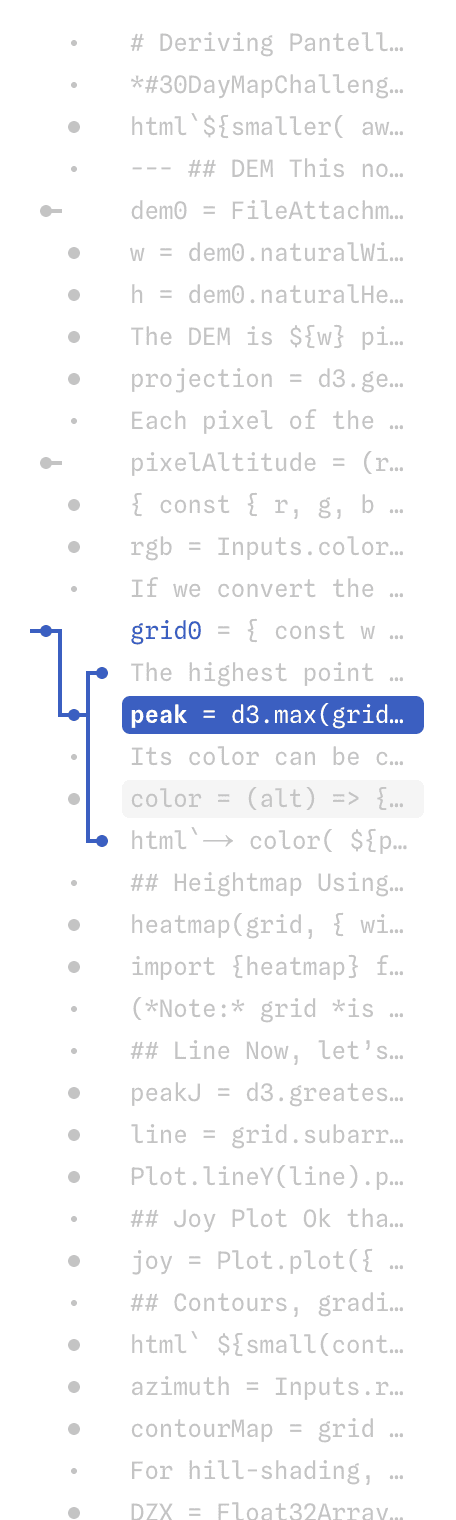
The minimap is gone but I suppose you’re working on it
Also the license the notebook was published with is nowhere to be found. (There is even a 404 error when you try to access the license from old.observablehq.com.)
I noticed that you reveal the number of forks a notebook has, even if those forks are unlisted or private (only you). I think that this information should not be divulged unless the forks are public.
Finally, could you clarify the current process for locking comments on a 2.0 notebook? I can’t find the ‘comments locked’ mention anymore in the notebook header.
7 posts - 2 participants
Read full topic
kpm-at-sonnysSep 9
How do I use new DB results?I guess I’m always here to ask the dumb questions.
const table = await db.sql`...blah...`
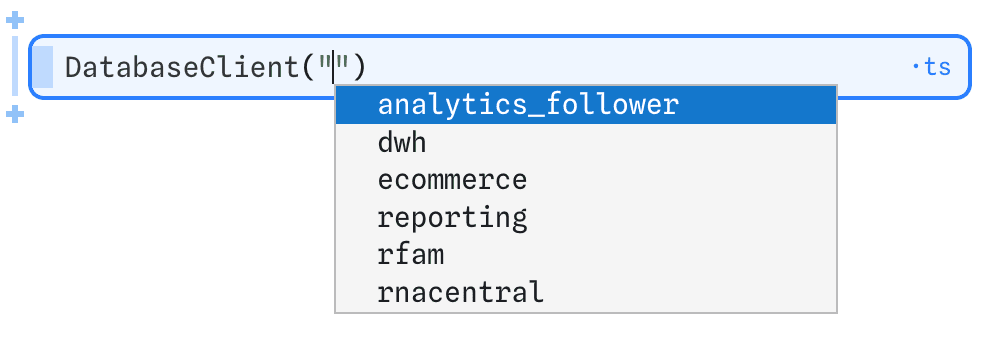
…gives me a Table in the new Standard Library. How do I use it? I was expecting it to be available via something like Apache Arrow or the ADBC driver, where I could do something like const subset = table.filter(row => row.timestamp >= "2026-08-09 09:00") but there’s no filter(). Do I need to toArray() everything and just work “old school”?
I looked for documentation, but I’m not seeing it.
3 posts - 3 participants
Read full topic
LaoSep 9
I'm worried about if chart embedding will be maintained.A few months ago, I recently had an opportunity to use observables for a work project. The CMS I’m working with only allows iframe embedding and pictures for blog posts, so I chose to make a dashboard in observables so I could embed chart and snapshots. The new observables is mostly an improvement, but lacks features like embedding, which is the whole reason I used observables for this project.
Notebook: https://observablehq.com/d/3a87558830e6537f
Embedded: https://www.cato.org/jones-act-waiver-tracker
I wouldn’t mind fully moving to the 2.0 notebooks when all the old features have been added (like embedding, transferring notebooks, search), but if the old fallback was discontinued, that would force me to port the code to another platform.
I’m a yearly paying customer so I could remove the embed attribution banner. I’d appreciate support at least until my yearly subscription ends next year.
2 posts - 2 participants
Read full topic