viewof categoryFilter = Inputs.checkbox(filterOptions.values(),
{label: html`<h2>Dining Options</h2>`,
// value: filterOptions.values()
})
drag = {
function isInBothCircles(x, y) {
const distFromCircleA =
Math.sqrt(Math.pow((x - d3.select("#circle0").attr("cx")),2) + Math.pow((y - d3.select("#circle0").attr("cy")),2));
const distFromCircleB =
Math.sqrt(Math.pow((x - d3.select("#circle1").attr("cx")),2) + Math.pow((y - d3.select("#circle1").attr("cy")),2));
return distFromCircleA <= d3.select("#circle0").attr("r") && distFromCircleB <= d3.select("#circle1").attr("r")
}
function dragstarted(event, d) {
d3.select(this).raise().attr("stroke", "black");
}
function dragged(event, d) {
d3.select(this).attr("cx", d.x = event.x).attr("cy", d.y = event.y);
}
function dragended(event, d) {
d3.select(this).attr("stroke", null);
d3.selectAll(".bobaShop").attr("fill", d => isInBothCircles(path.centroid(d)[0], path.centroid(d)[1]) ? "green" : "gray")
}
return d3.drag()
.on("start", dragstarted)
.on("drag", dragged)
.on("end", dragended)
}
updateRadius = function(currRVal, i) {
const circles =
d3.select("#map")
.select("#" + circlesData[i].id)
.data(circlesData, d => d.id)
circles.transition()
.duration(1000)
.ease(d3.easeCubic)
.attr("cx", d => d.x)
.attr("cy", d => d.y)
.attr("r", currRVal)
.attr("opacity", 0.5)
// When this is updated, the boba shop colors should also be updated.
}
test = function (d) {
var curr = [];
for (const filter in filterOptions.keys()) {
curr.append(filter)
if (filter in categoryFilter) {
if (d[filter] === false) {
return false
}
}
}
return curr
}
test(boba_shop_data[3])
updateFilters = function (currFilters) {
// for each filter option
// if box is unchecked, don't check datum for that filter
// if box is checked, check datum for that filter
// if datum is false, return false
// if datum is true, continue
// continue until end of loops and return true
function filterHelper(d) {
for (const filter in filterOptions.keys()) {
if (filter in currFilters) {
if (d[filter] === false) {
return false
}
}
}
return true
}
const curr_boba_shops = d3.select("#map")
.selectAll(".bobaShop")
.data(boba_shop_features.features
.filter(filterHelper))
.join(
enter =>
enter
.append("circle")
.attr("class","bobaShop")
.attr("cx", d => path.centroid(d)[0])
.attr("cy", d => path.centroid(d)[1])
.attr('opacity', 0)
.attr('r', d => 0)
.attr("fill", "red")
.attr("stroke", greys[5])
.attr("stroke-width", 0.5),
update => update,
exit =>
exit
.transition()
.duration(1000)
.attr('opacity', 0)
.attr('r', d => 0)
.remove()
)
curr_boba_shops.transition() // <-- akin to a D3 selection, but interpolates values
.duration(1000) // <-- 1000 ms === 1 sec
.ease(d3.easeCubic) // <-- sets pacing; cubic is the default, try some others!
.attr("cx", d => path.centroid(d)[0])
.attr("cy", d => path.centroid(d)[1])
.attr("r", 3)
.attr('opacity', 1)
}
updateRadius(radiusSliderA, 0)
updateRadius(radiusSliderB, 1)
updateFilters(categoryFilter)
circlesData =
d3.range(2).map(i => ({
x: Math.random() * 500,
y: Math.random() * 500,
r: 32,
id: "circle" + i
}));
filterOptions = new Map([
["dine_in", "Offers dine in"],
['curbside_pickup', "Offers curbside pick up"],
['delivery', "Offers delivery"],
['takeout', "Offers take-out"],
['reservable', "Offers reservations"],
['serves_vegetarian_food', "Vegetarian"],
['false_test', "false_test"]
]);
prices = [...Array(5).keys()]
boba_shop_data = FileAttachment("asst3_google.csv").csv()
asst3_google.csv
Type Table, then Shift-Enter. Ctrl-space for more options.
mapFrameSpec = {
const spec = {
width: 334,
height: 432,
upperLeft: [403, 561]
}
spec.bottomRight = [spec.upperLeft[0] + spec.width, spec.upperLeft[1] + spec.height]
spec.colors = {
'ocean': '#9bbff4',
'land-neutral': '#FFF2AF',
'text': '#000000',
'land-city': '#E8E8E8',
'land-forest': '#C3ECB2',
'highway': '#F6CF65'
}
spec.icons = {
'pin': 'https://upload.wikimedia.org/wikipedia/commons/d/d1/Google_Maps_pin.svg'
}
return spec
}
mapFrameCoords = [
projection.invert(mapFrameSpec.upperLeft),
projection.invert(mapFrameSpec.bottomRight)
]
mapFrameGeoJSON = JSON.parse(`{"type":"Feature","geometry":{"type":"LineString","coordinates":[[-122.54644297642132,37.989209933976475],[-121.74157680240731,37.19360698897229]]}}`)
// california state plane 3 | https://github.com/veltman/d3-stateplane
projection = d3.geoConicConformal()
.parallels([37 + 4 / 60, 38 + 26 / 60])
.rotate([120 + 30 / 60], 0)
.fitSize([width, height], mapFrameGeoJSON)
import {Scrubber} from "@mbostock/scrubber"
Type JavaScript, then Shift-Enter. Ctrl-space for more options. Arrow ↑/↓ to switch modes.
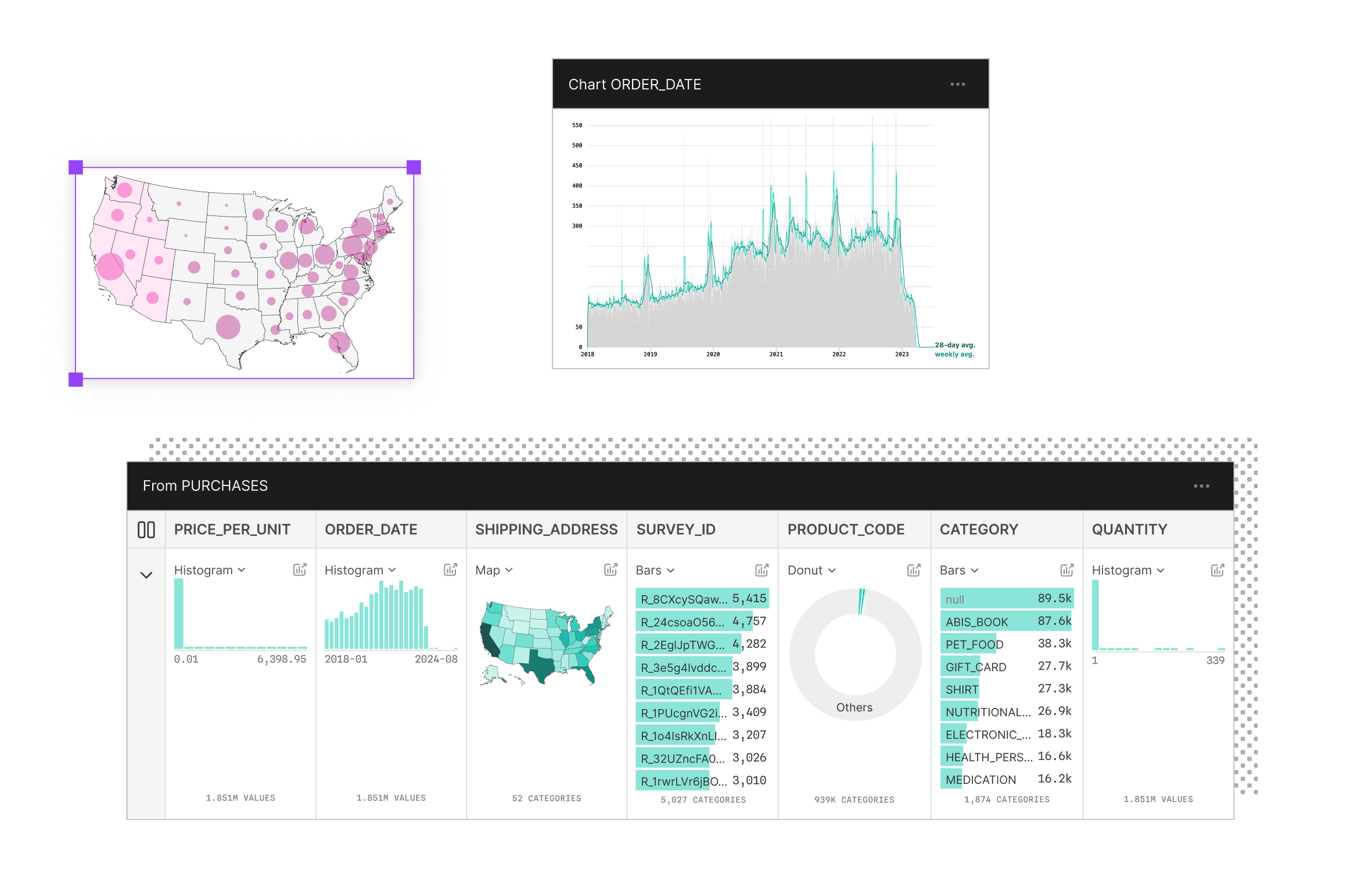
Purpose-built for displays of data
Observable is your go-to platform for exploring data and creating expressive data visualizations. Use reactive JavaScript notebooks for prototyping and a collaborative canvas for visual data exploration and dashboard creation.