

Distinct nodes
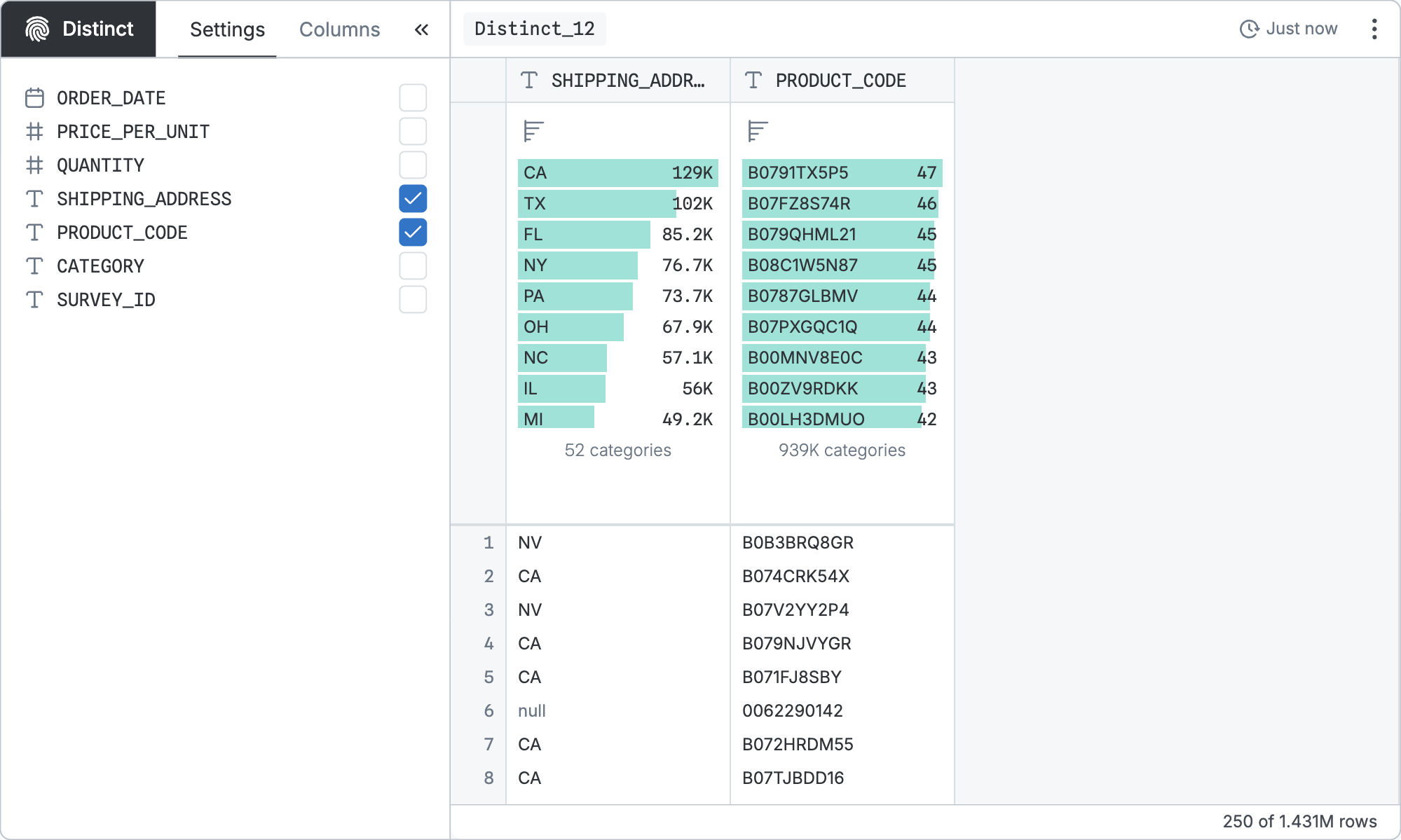
Distinct nodes reduce the table to list only unique values in one or more columns. They take one input node. Create a distinct node by selecting an existing node and clicking New distinct node on the new node toolbar floating to the right.
Configuration
The base query is configured by selecting the columns for which to get distinct values. If you select multiple columns, you will get all distinct combinations.
That base query can be refined by the standard controls shared by all table nodes.
SQL equivalent
If you clicked “Copy SQL” in the node menu of the node pictured above, you’d get:
sql
WITH
  "p" AS (…)
SELECT DISTINCT
  "SHIPPING_ADDRESS",
  "PRODUCT_CODE"
FROM "p"
In the real version, … would show the SQL code for the input node.