

From nodes
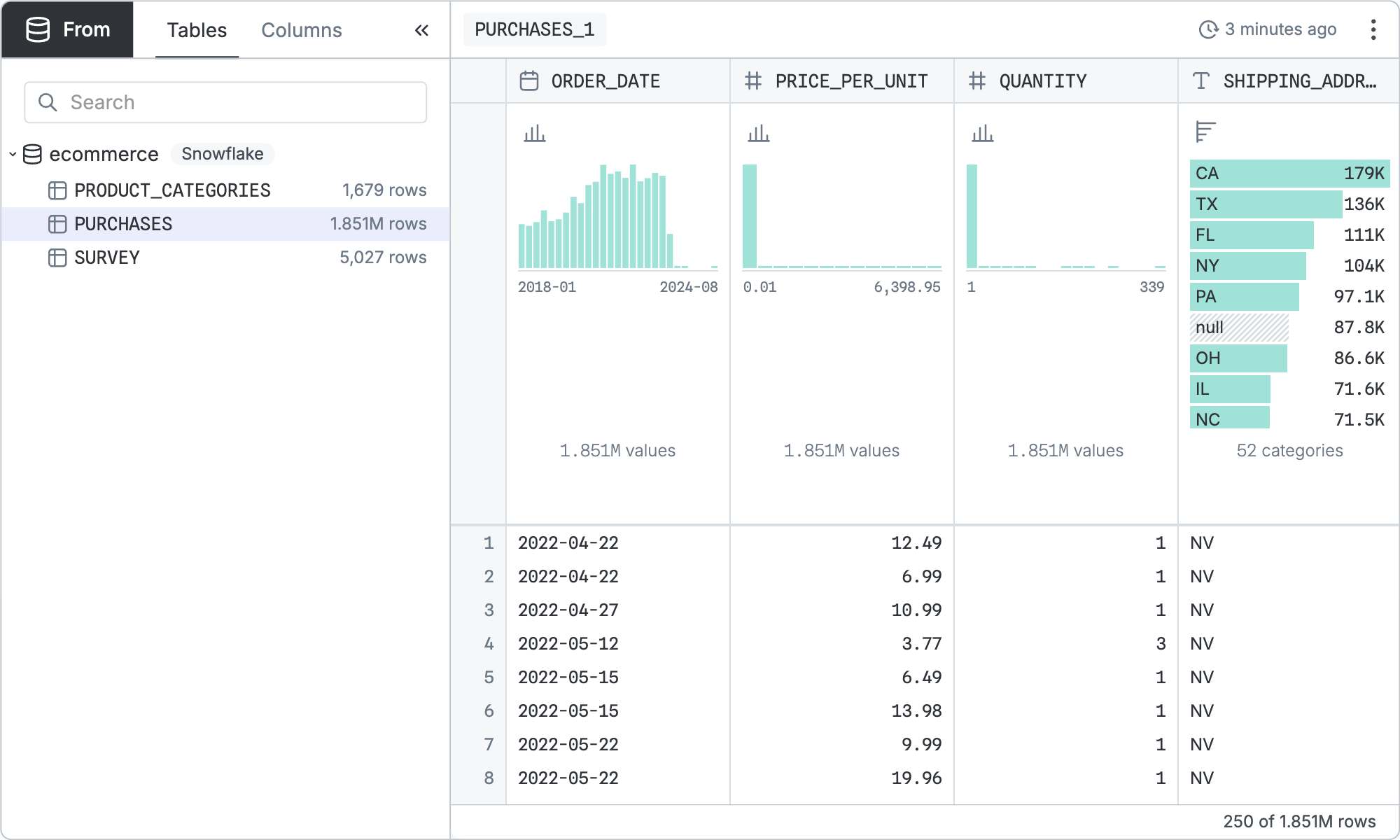
From nodes select one table from your data source. They take no input nodes. Create a from node by clicking “+” next to a table in the data panel.
Configuration
The base query is configured by picking the database table to select from.
That base query can be refined by the standard controls shared by all table nodes.
SQL equivalent
If you clicked “Copy SQL” in the node menu of the node pictured above, you’d get:
sql
SELECT
  "ORDER_DATE",
  "PRICE_PER_UNIT",
  "QUANTITY",
  "SHIPPING_ADDRESS",
  "PRODUCT_CODE",
  "CATEGORY",
  "SURVEY_ID"
FROM "PUBLIC"."PURCHASES" "p"